

Description
Download Smart YouTube TV APK – YouTube TV app, Android TV app, free YouTube client, 4K YouTube streaming, smart TV media player, open-source YouTube app
Overview
Smart YouTube TV is a free and open-source application designed to enhance YouTube streaming on smart TVs powered by the Android TV operating system. Developed independently by Yuriy Lyskov, the app provides a tailored experience for users who prefer a more optimized interface when watching videos on large-screen displays. Unlike the standard YouTube app, Smart YouTube TV is specifically engineered to improve navigation, playback quality, and usability on TV-sized screens, making it ideal for home entertainment setups. The software targets consumers and casual viewers who want a seamless YouTube experience without relying on Google Services. It is particularly useful for users with older or non-Google-certified Android TV devices that may lack full YouTube integration. The app supports multiple video resolutions, including up to 4K, and allows users to log in to their YouTube accounts directly. Real-world usage includes watching high-definition content, following favorite creators, and accessing personalized recommendations—all through a streamlined interface. While the developer did not provide additional system requirements, the app is designed for Android TV environments and devices capable of side-loading APK files.
Key Features & Capabilities
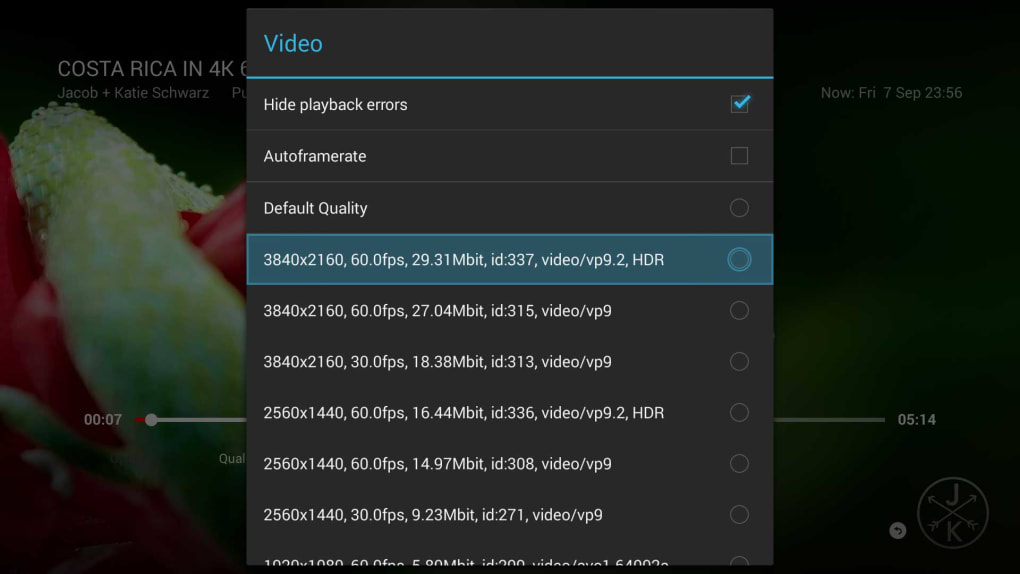
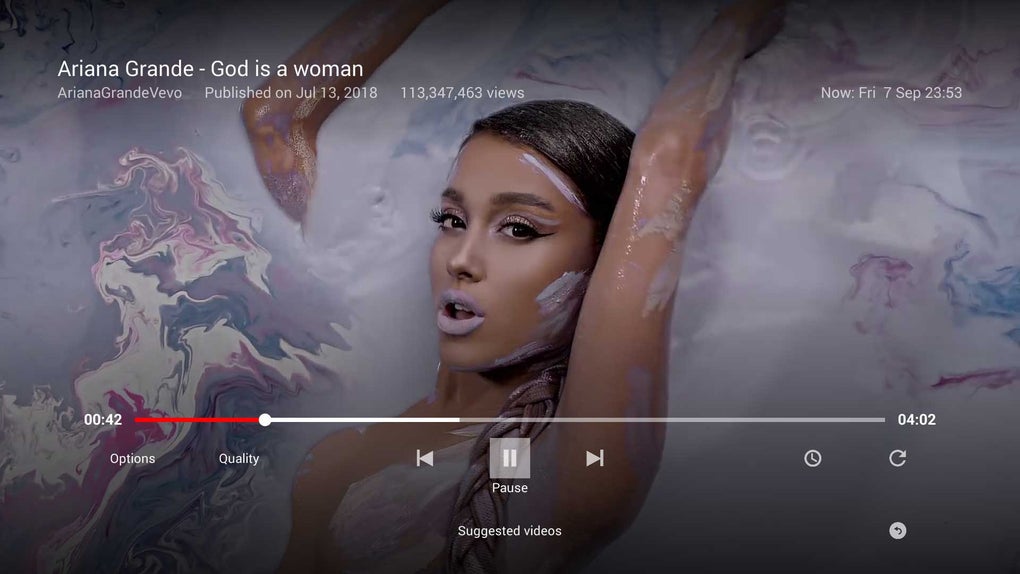
- 4K Resolution Support – Offers playback options up to 4K resolution, ensuring high-quality video streaming on compatible TVs and set-top boxes.
- Android TV Optimization – Designed specifically for large-screen viewing, with improved layout and remote control navigation.
- Google Services-Free Login – Enables users to sign in to their YouTube accounts without requiring Google Services, enhancing compatibility with non-certified devices.
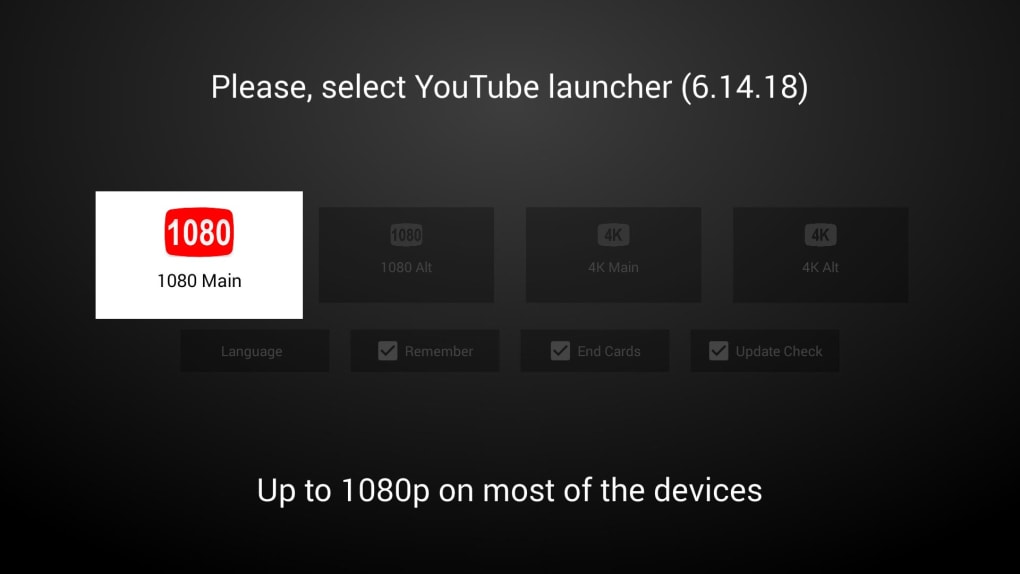
- Multiple Resolution Profiles – Provides four resolution options: 1080 Main, 1080 Alt, 4K Main, and 4K Alt, allowing users to select the best performance and quality balance.
- Remote Controller Compatibility – Fully supports standard remote controls, enabling intuitive navigation through menus and playback controls.
- Open-Source & Secure – Being open-source, the app’s code is publicly available, allowing users to verify its safety and transparency.
- Side-Loadable APK – Can be installed on Android TV devices and other compatible systems via USB transfer, offering flexibility for unsupported or legacy hardware.
These features make Smart YouTube TV a practical tool for users seeking an alternative to the official YouTube app on their smart TVs. For example, a user with a budget Android TV box can install the APK to enjoy 4K streaming without needing a Google-certified device. The ability to remember preferred settings improves workflow efficiency, while the absence of Google dependency broadens accessibility across different hardware ecosystems.
User Interface, Workflow & Performance
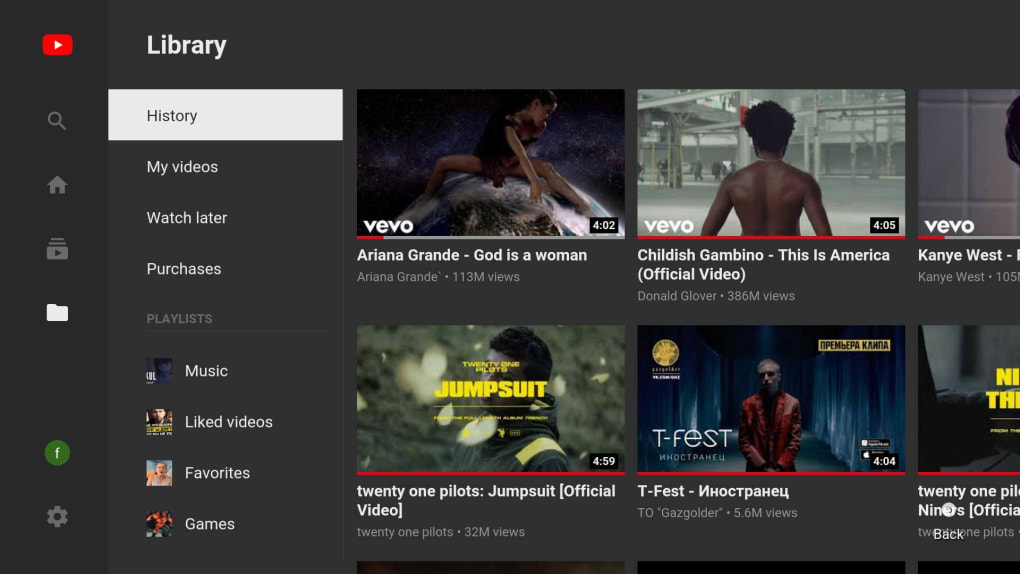
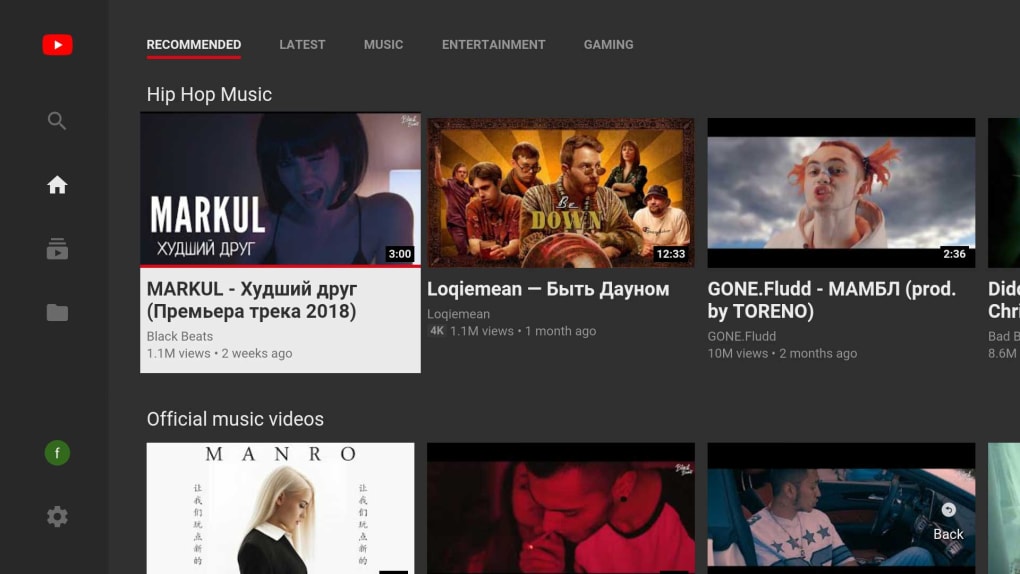
The user interface of Smart YouTube TV is designed with TV navigation in mind, featuring large, easily selectable elements and a clean layout that minimizes clutter on the screen. Navigation is primarily controlled via remote, with focus-based selection and smooth transitions between menus. The workflow begins with selecting a resolution profile upon first launch, which can be saved using the "remember" option for future sessions. After setup, users can browse content, search videos, and manage playlists using intuitive controls. The app does not require root access, which simplifies the installation process and reduces security risks. However, the developer did not specify resource usage details, so performance may vary depending on the device’s hardware and network conditions. General software behavior patterns suggest stable operation under normal streaming loads. Stability is likely maintained due to the lightweight nature of the app (14.3 MB), but long-term reliability may be affected by the lack of active development. No performance benchmarks were provided, so actual CPU or RAM behavior remains unverified.
Compatibility & System Requirements
Smart YouTube TV is designed for devices running the Android TV operating system. It supports installation on any Android TV-compatible device that allows side-loading of APK files. The app has a file size of 14.3 MB, making it lightweight and easy to transfer. Exact system requirements were not listed, so users should ensure their device meets basic Android TV specifications, such as a minimum of 1 GB RAM and sufficient storage space for the app and cache data. The developer did not provide information on minimum processor speed or GPU requirements. Compatibility with specific TV models or set-top boxes is not officially confirmed. Users are advised to check their device’s ability to install apps from unknown sources before proceeding. The app is not compatible with standard Android smartphones or tablets, as it is tailored exclusively for TV environments.
Pros and Cons
Pros
- Free and open-source, ensuring transparency and security
- Supports up to 4K video streaming for high-quality playback
- Does not require Google Services for login or operation
- Optimized UI for large-screen and remote control use
- Lightweight at 14.3 MB, easy to install and manage
- Can be used on non-Google-certified Android TV devices
Cons
- Not actively maintained, limiting future updates and bug fixes
- Limited official compatibility information
- Requires enabling "Install apps from unknown sources" in system settings
- Not available through official app stores
- May not work on newer Android TV versions without testing
FAQ Section
Is Smart YouTube TV safe to install on my smart TV?
Yes, the app is free and open-source, meaning the code is publicly available for review. This allows users to verify its safety before installation. However, always download from the official developer website to avoid tampered versions.
Can I use Smart YouTube TV without a Google account?
Yes, the app allows users to log in to their YouTube account without relying on Google Services, making it accessible even on devices without full Google integration.
Does Smart YouTube TV require root access?
No, the application does not require root permission to function. It can be installed and used on standard Android TV devices.
How do I update Smart YouTube TV?
Since the app is no longer actively maintained, updates are not regularly released. Users should check the developer’s official website periodically for any new versions.
Can I install Smart YouTube TV on devices other than Android TV?
The app is specifically designed for Android TV. While some non-certified devices may support side-loading, official compatibility is limited to Android TV environments.
Final Thoughts + CTA
Smart YouTube TV stands out as a reliable, lightweight, and privacy-conscious alternative to the official YouTube app on Android TV devices. Its ability to deliver 4K streaming without Google dependency makes it a valuable tool for users with older or non-certified smart TVs. Although the software is no longer actively developed, it remains functional and secure due to its open-source nature. The clean interface, remote control support, and resolution customization options enhance the overall viewing experience. For consumers seeking a free, customizable YouTube client for their TV, Smart YouTube TV offers a compelling solution. While compatibility may vary across devices, the app’s simplicity and lack of bloat make it worth trying. Download Smart YouTube TV now.
Guides & Tutorials for Smart YouTube TV APK
How to install Smart YouTube TV APK
- Click the Preview / Download button above.
- Once redirected, accept the terms and click Install.
- Wait for the Smart YouTube TV APK download to finish on your device.
How to use Smart YouTube TV APK
This software is primarily used for its core features described above. Open the app after installation to explore its capabilities.
User Reviews for Smart YouTube TV APK 0
No reviews found





